
Installation
Learner is a UI template only — no API keys, no environment variables, and no backend configuration required. Extract the ZIP, install Flutter, and you're ready to run.
Template Notice
This is a Flutter UI template. All data
shown in the app is static/mock data for demonstration
purposes. There is no live API, no Firebase setup, and no
.env file needed. You can plug in your own
backend at any time.
Prerequisites
- Flutter SDK 3.0+ (Latest Stable Version Recommended)
- Dart 3.0+ (bundled with Flutter — Latest Stable Recommended)
- Android Studio or VS Code with Flutter extension
- Android / iOS emulator or physical device
No Setup Required
- No API keys needed
-
No
.envfile needed - No Firebase configuration
- No backend server required
Step 1 — Install Flutter Skip if already installed
Download and install the Flutter SDK for your operating system from the official Flutter website: flutter.dev/docs/get-started/install
After installation, verify Flutter is set up correctly by running:
flutter doctor
Make sure Flutter and Dart SDKs show a green checkmark. Install Android Studio or Xcode as needed for your target platform.
Step 2 — Extract the ZIP
Unzip the downloaded package to your preferred location:
unzip learner_app.zip
cd learner_app
Step 3 — Install Flutter Dependencies
Inside the project directory, run:
flutter pub get
This fetches all required packages listed in
pubspec.yaml (GetX, flutter_svg, etc.).
Step 4 — Run the App
Connect a device or start an emulator, then run:
flutter run
The app will launch on your connected device or emulator. No additional configuration is needed.
Build for Release
Android APK:
flutter build apk --release
iOS:
flutter build ios --release
App Features
Learner | Flutter Learning App UI Kit
Learner is a comprehensive online learning platform designed to transform your educational experience. Whether you're looking to learn programming, design, marketing, or business skills, Learner provides thousands of courses from expert instructors, progress tracking, certificates upon completion, and a seamless learning journey. Learn smarter, grow daily, advance your career with our intuitive education platform.
Here are some standout Learner features:
- 20+ unique UI screens for online learning
- Easily customizable Flutter components
- Clean, modern visual design
- Modern UI with clean, professional design
- Responsive layouts for all devices
- Course wishlist & enrollment management
- Customizable color themes and typography
- Payment & certification UI screens (ready for API integration)
- Beautiful, inspiring user interface
Overview
Learner is a comprehensive online learning application built with Flutter, designed to help users discover and enroll in thousands of courses across programming, design, marketing, and business. Track your progress, earn certificates, and enjoy a seamless learning experience with expert instructors.
- Cross-platform mobile application
- User-friendly interface design
- Extensive course catalog
- Progress tracking UI screens (ready for API integration)
- Course wishlist
- Payment & certificate UI screens (connect your own backend)
Key Features
Discover what makes Learner stand out from other learning apps.
Smart Search
Advanced search with filters for category, instructor, rating, and price range.
Course Wishlist
Wishlist UI screen to save and manage your favorite courses for later.
Easy Enrollment
Course enrollment & payment UI screens — ready for your payment gateway integration.
Reviews & Ratings
Read authentic student reviews and rate courses you've completed.
Progress Tracking
Learning progress UI screens — ready to connect to your own backend.
Smart Notifications
Notification UI screens for new courses, lesson releases, and certification updates.
Screens
Explore the beautiful and intuitive screens designed for the best learning experience.
For Reviewers / Buyers
Every tile below is a real screenshot of the running app,
stored in assets/img/screens/. Click any tile
to zoom in.
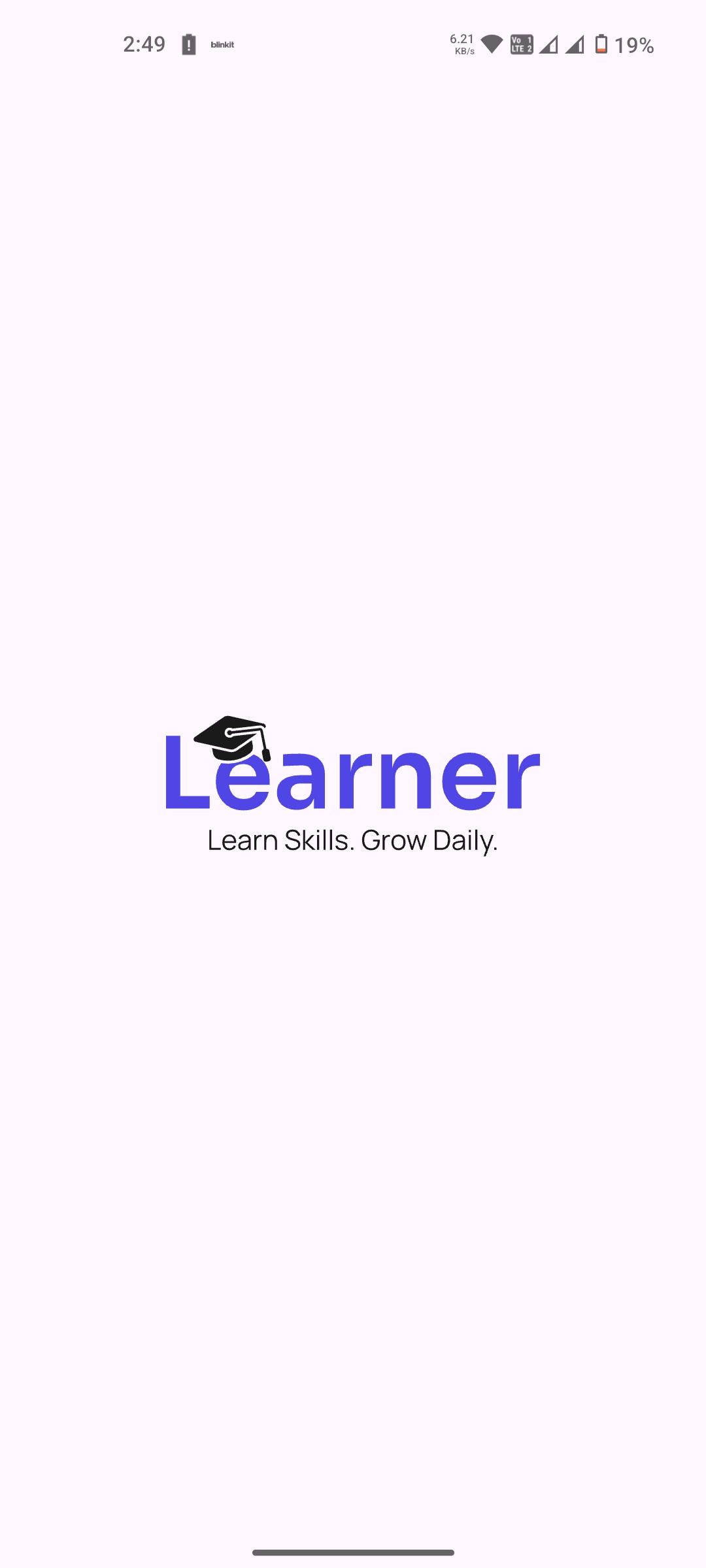
01 · Splash Screen
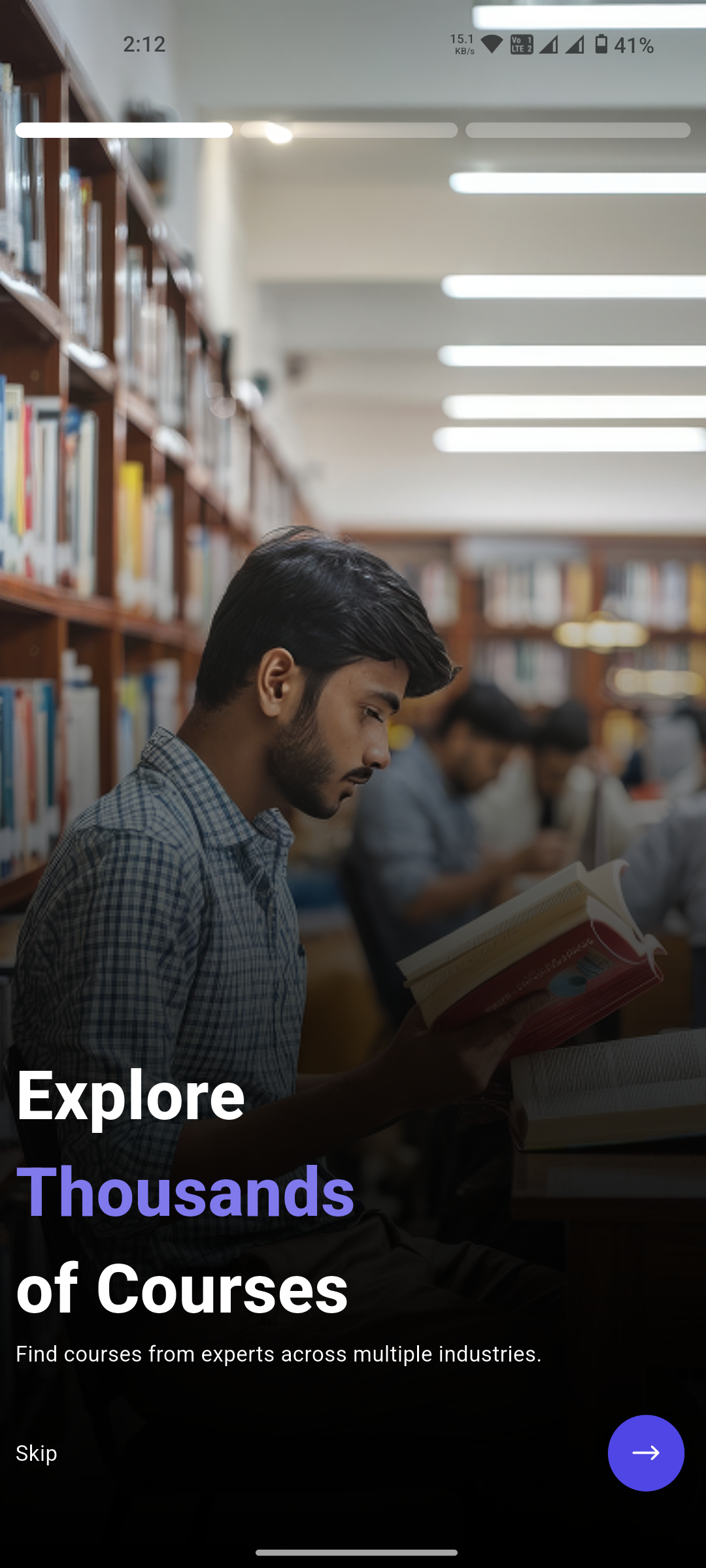
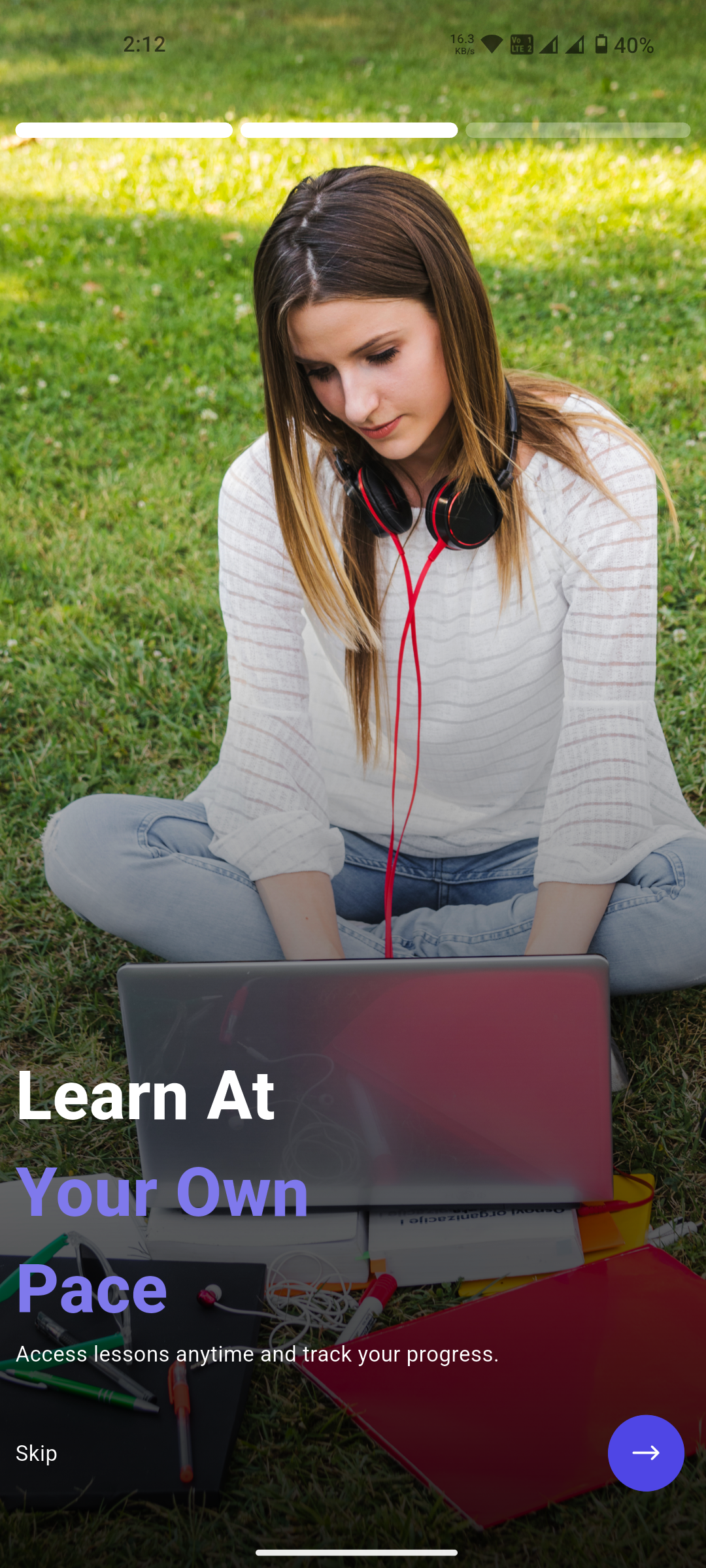
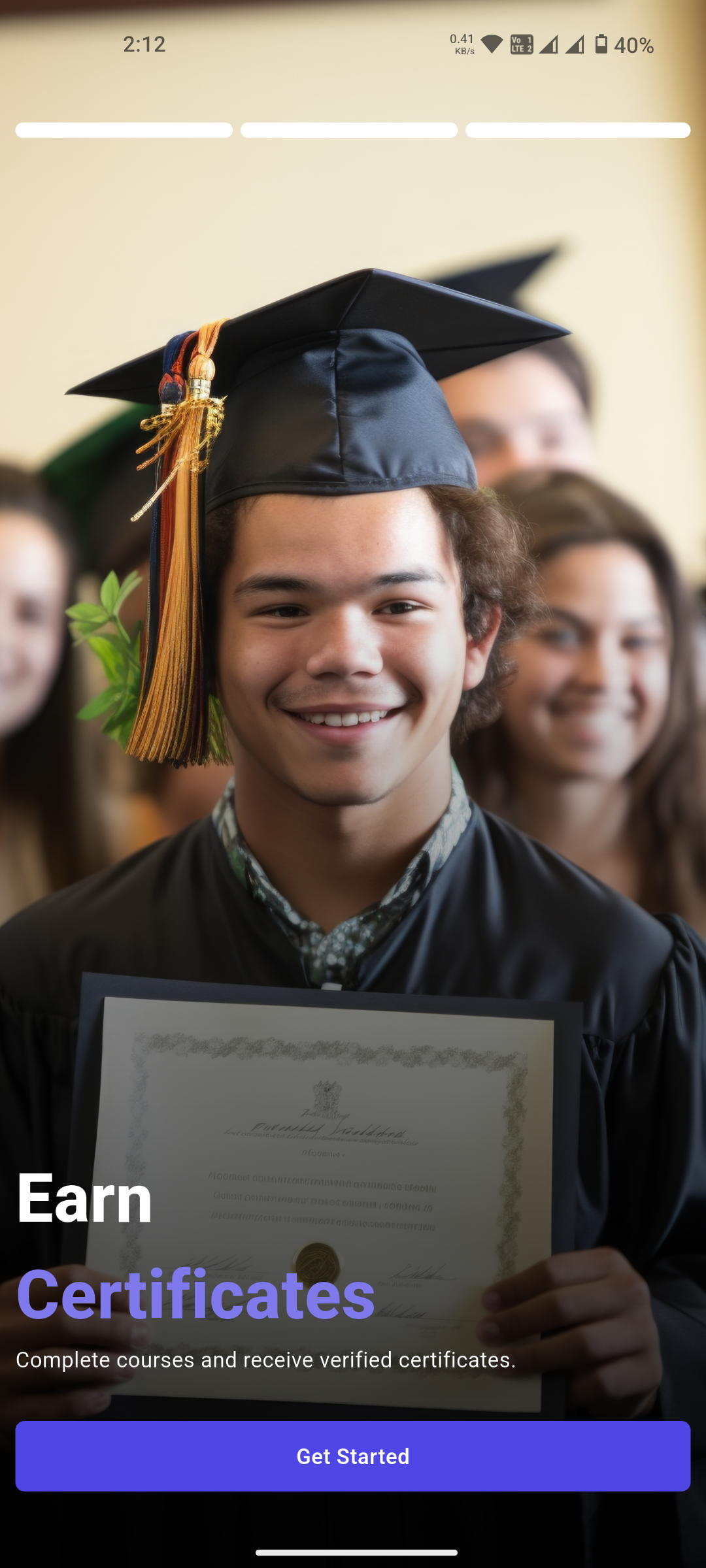
02 · Onboarding Screens (3 slides)
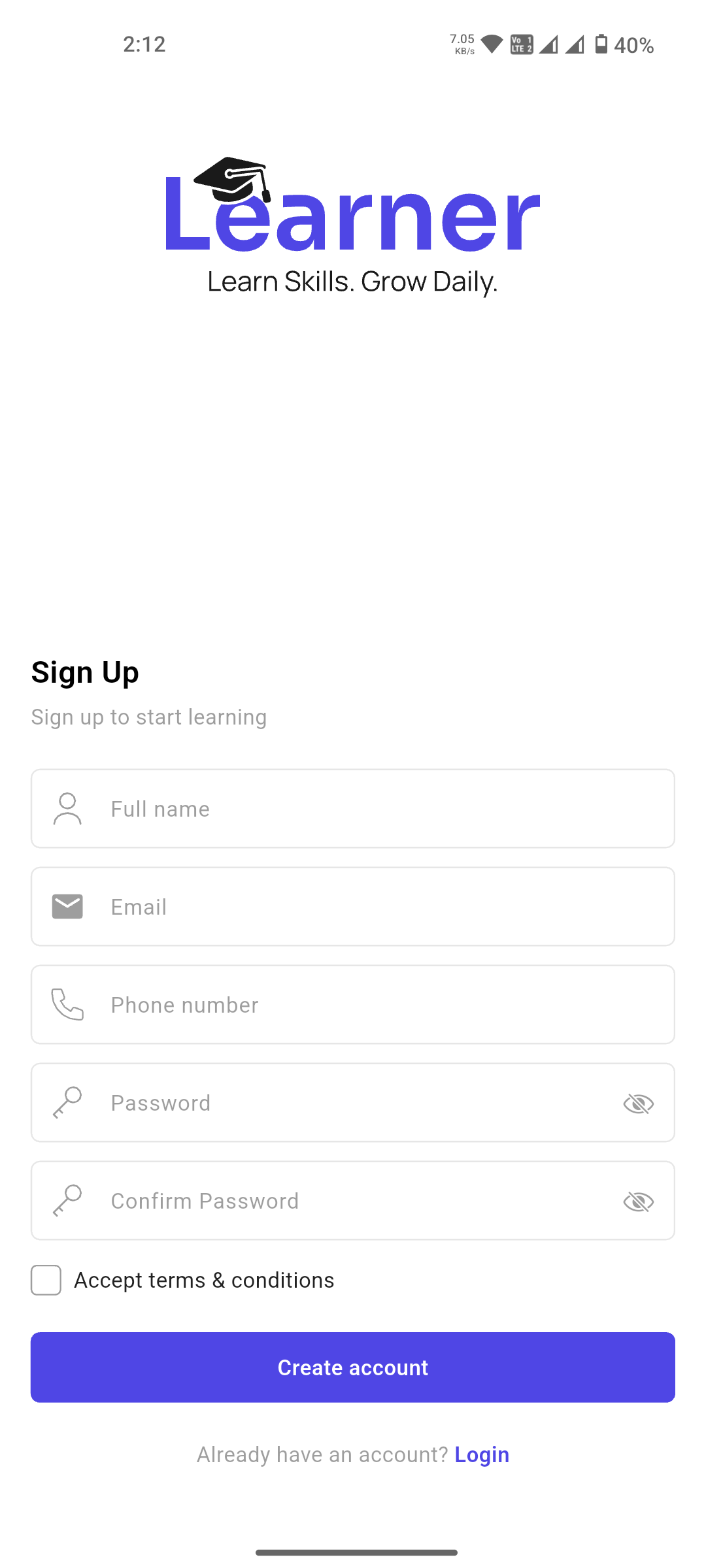
03 · Sign Up
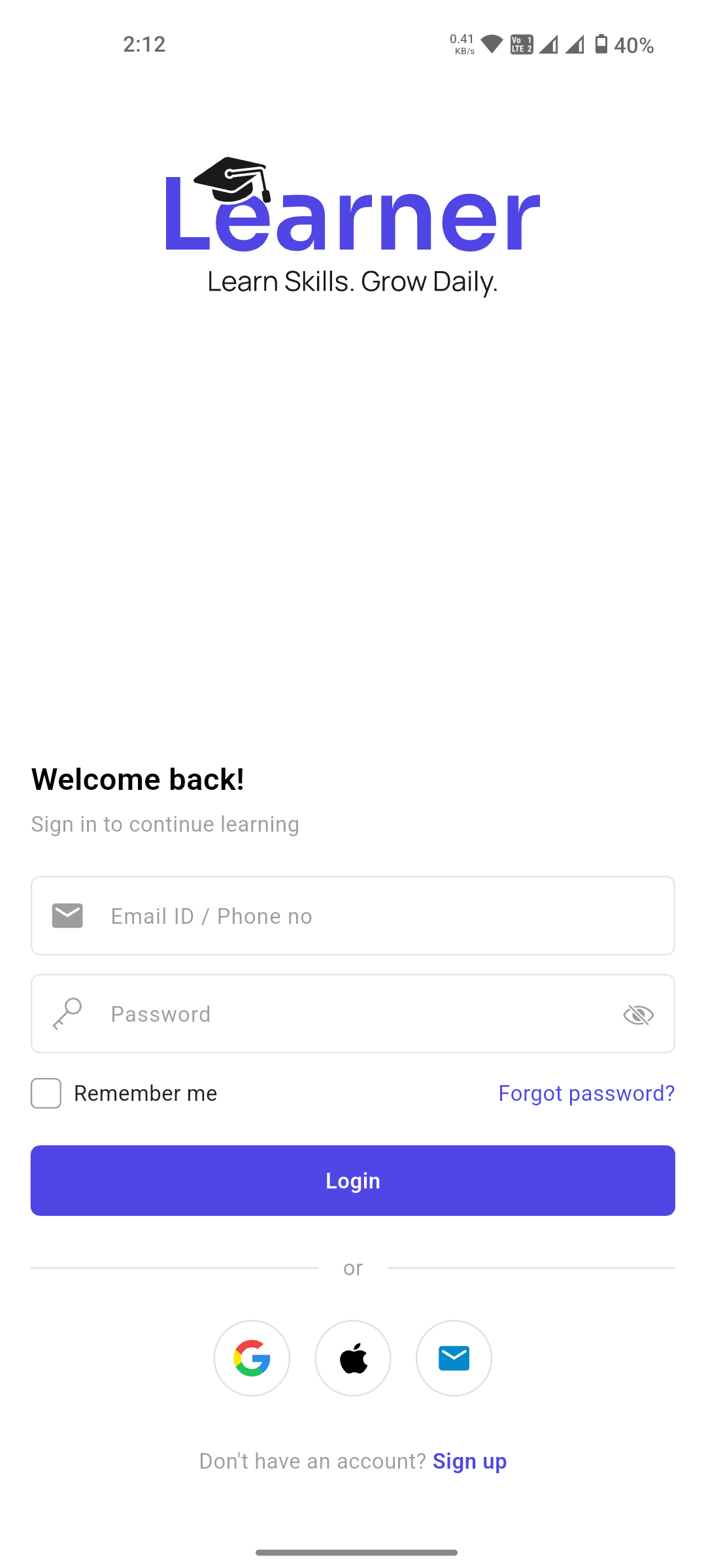
04 · Sign In
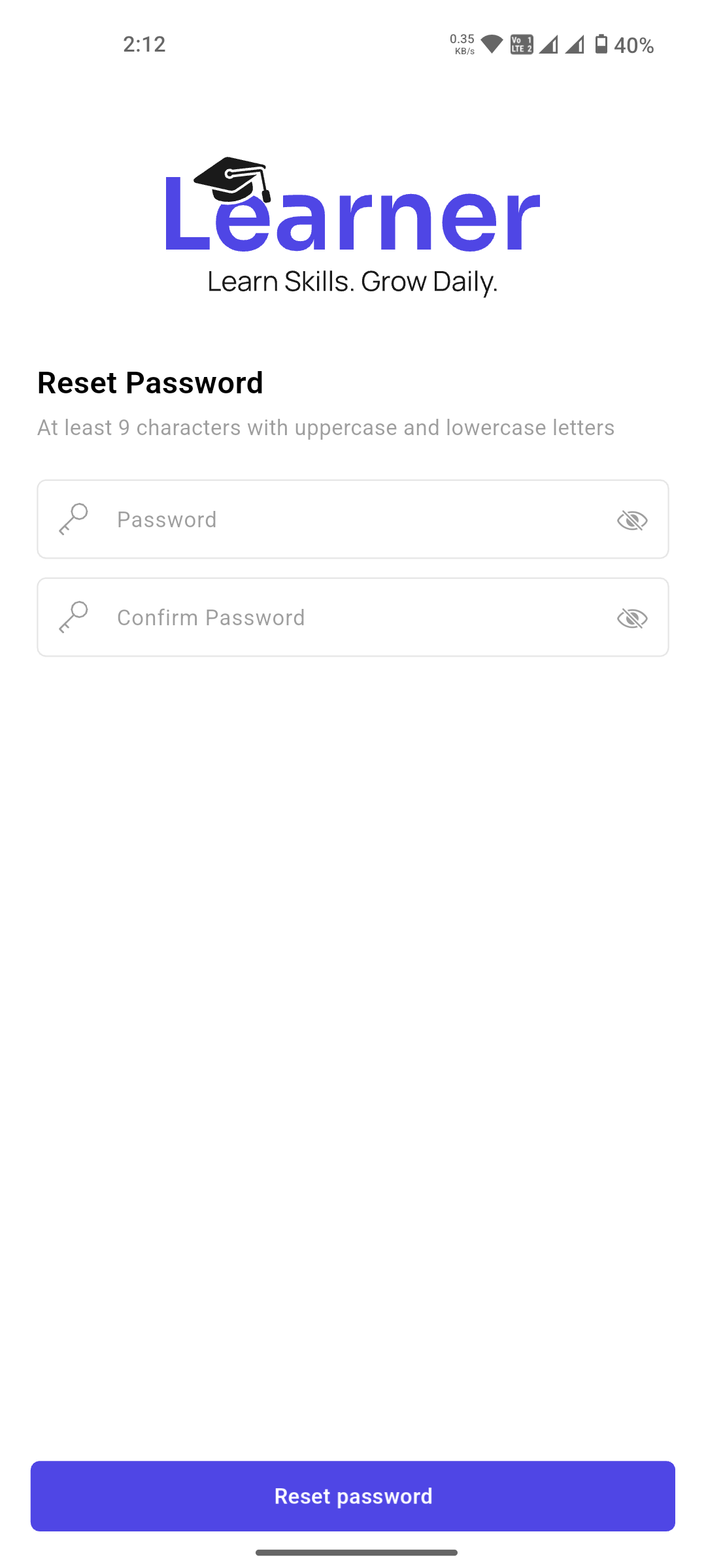
05 · Reset Password
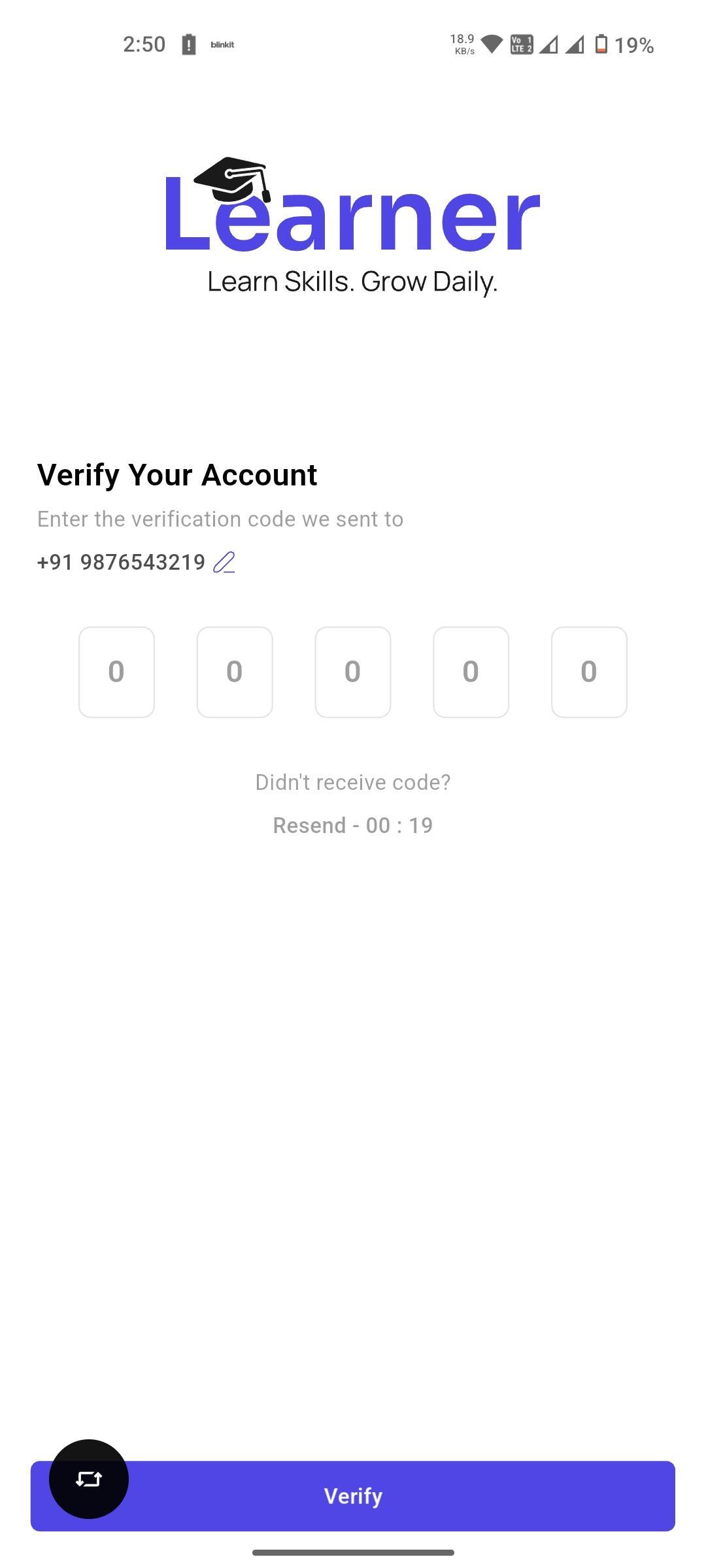
06 · Verify Your Account
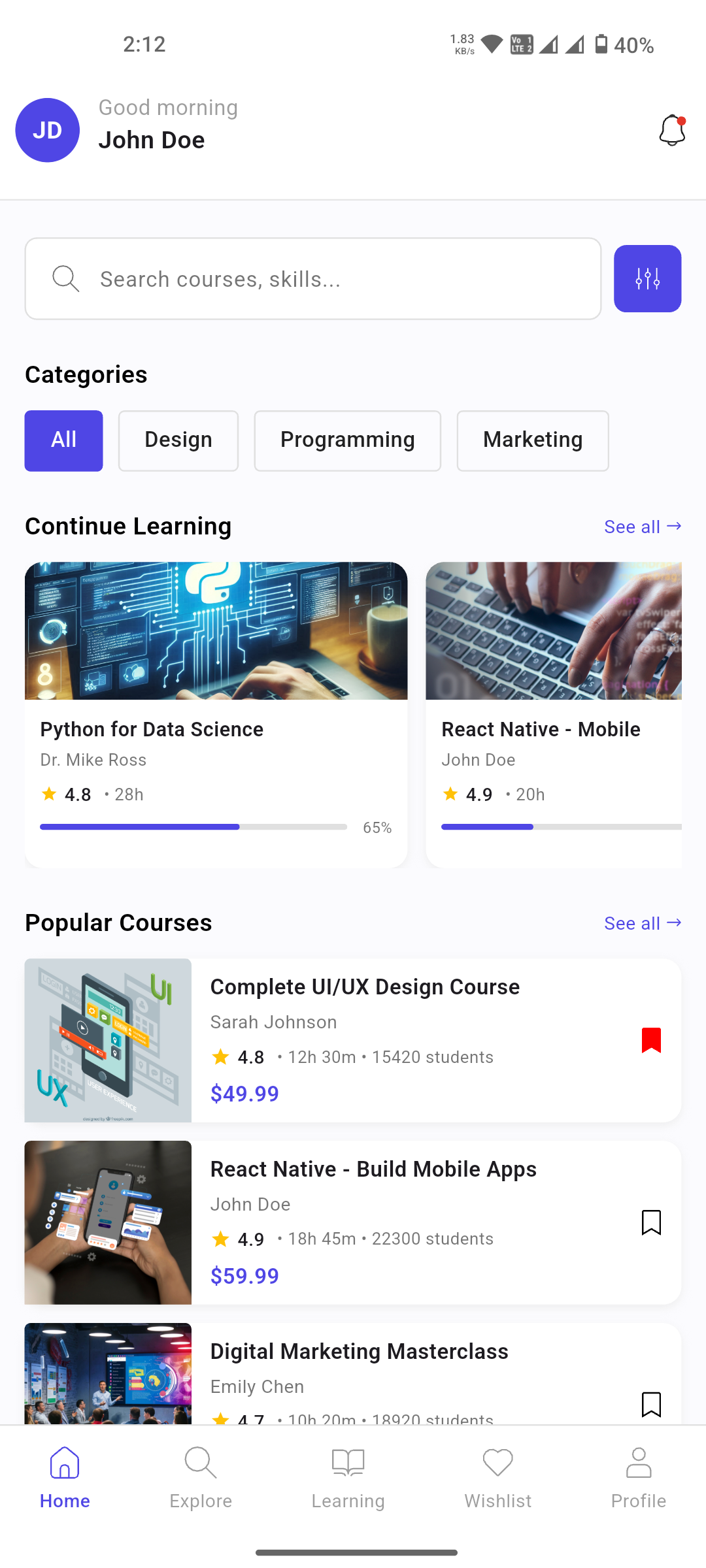
07 · Home
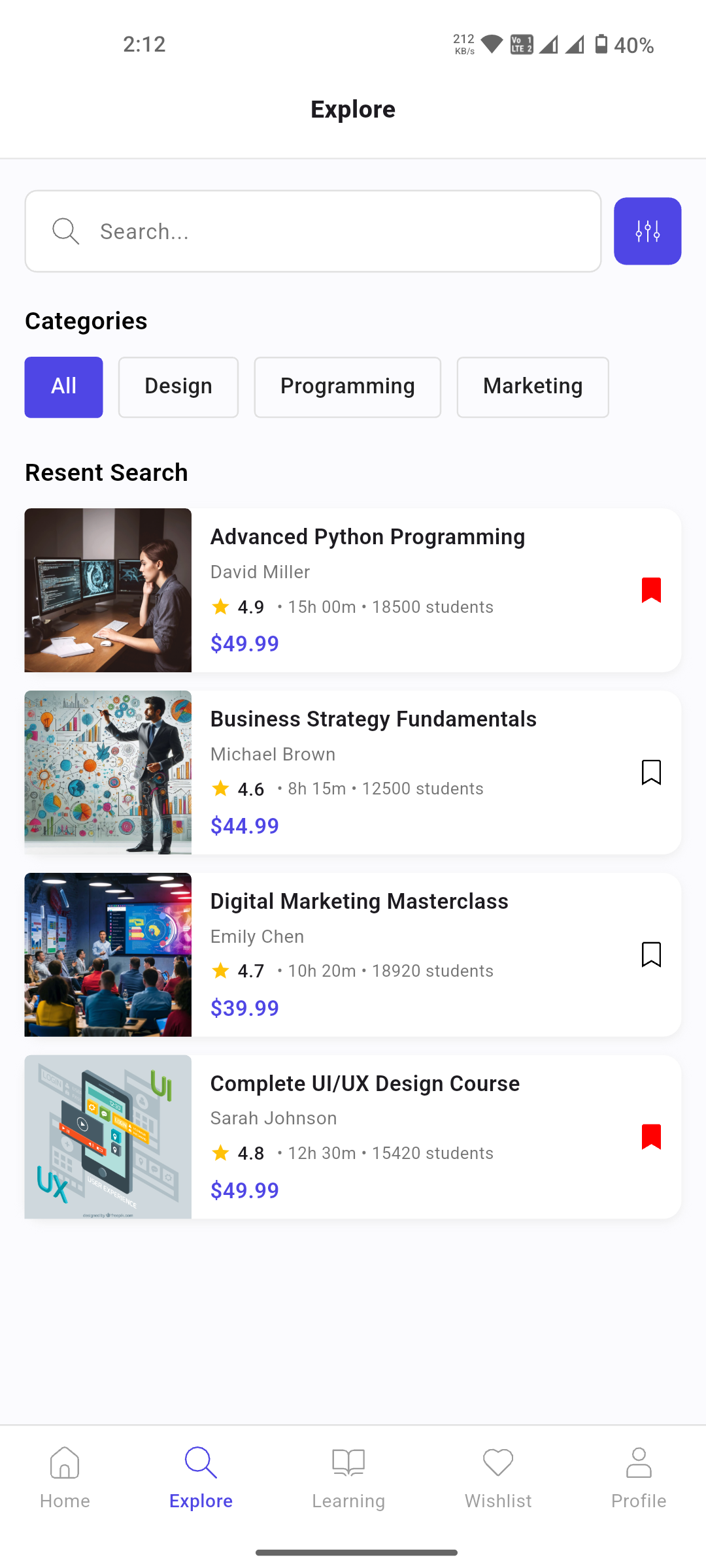
08 · Explore Courses
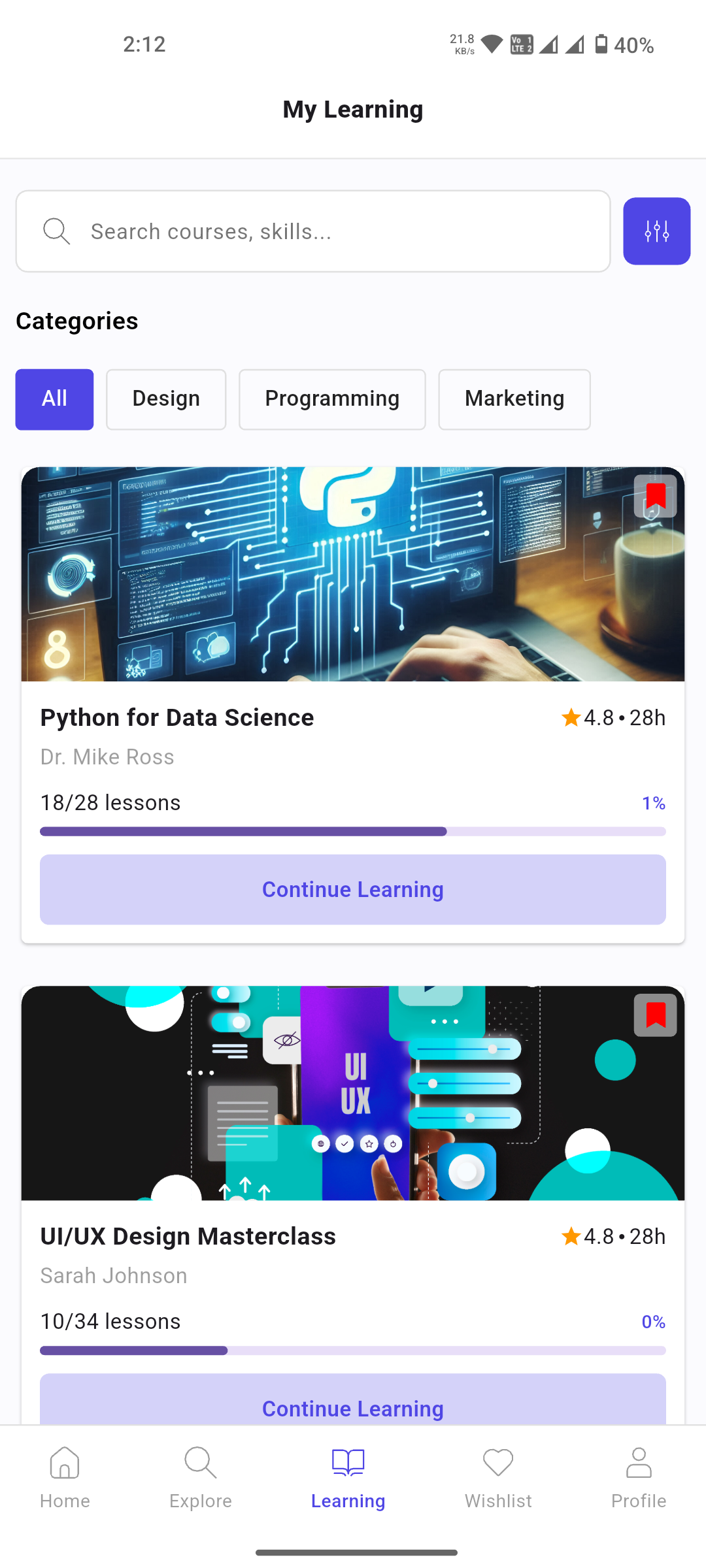
09 · My Learning
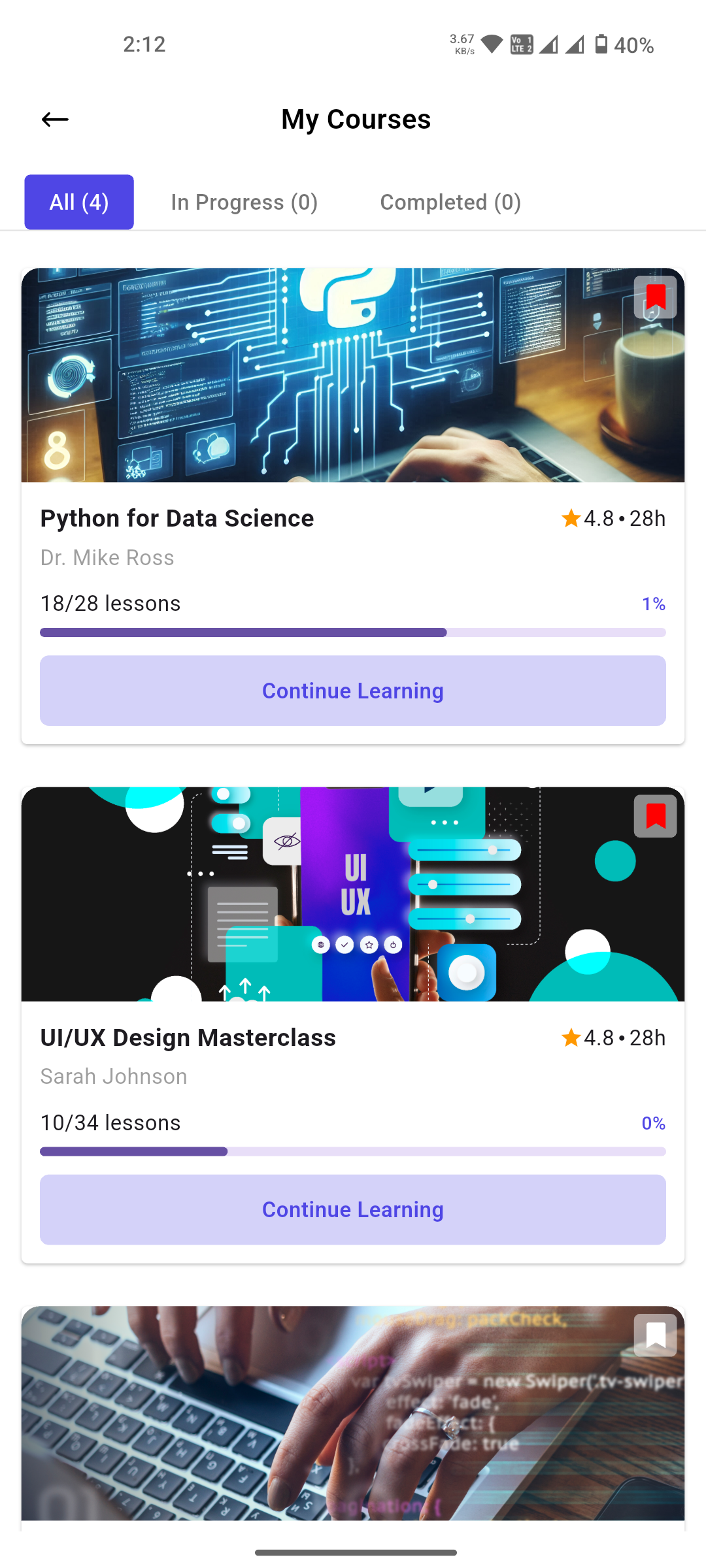
10 · My Courses
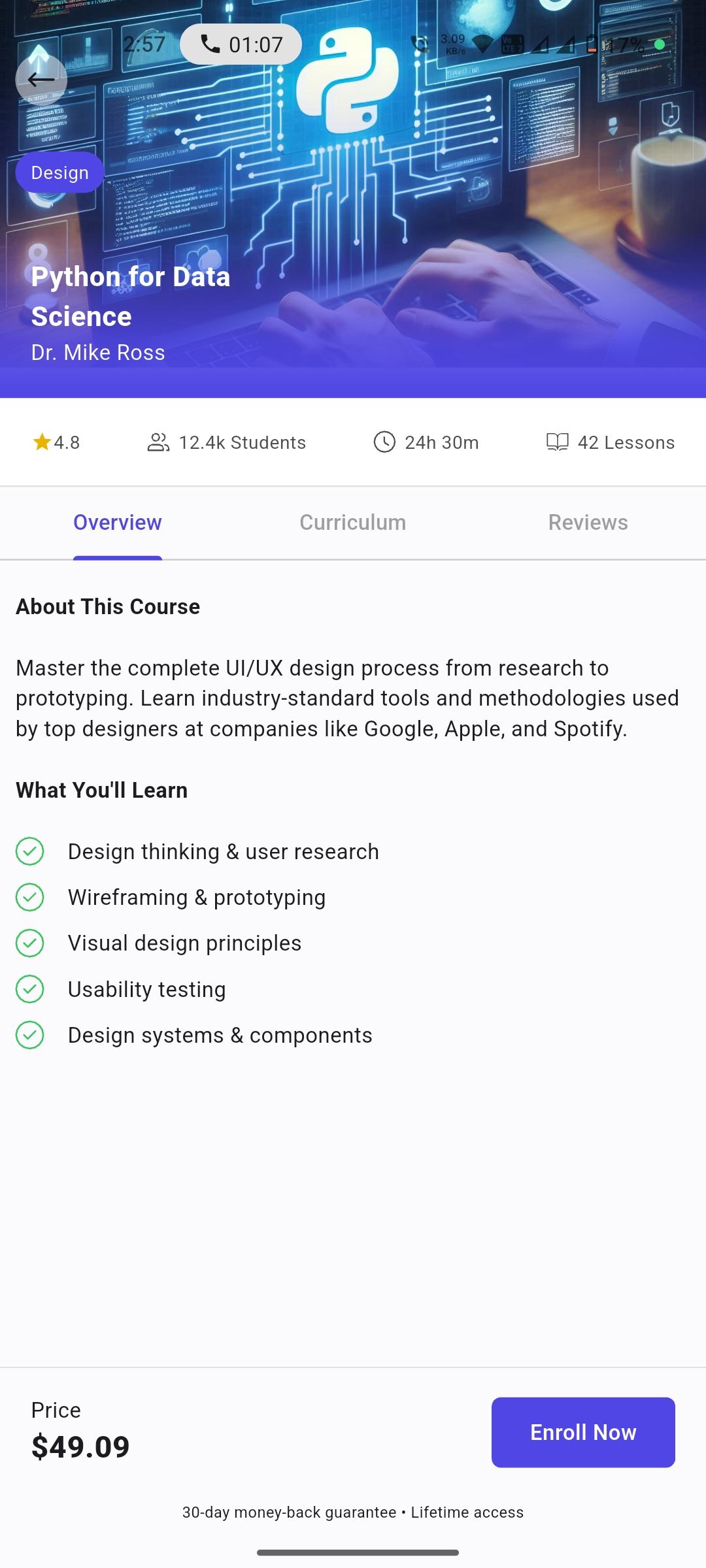
11 · Course Detail
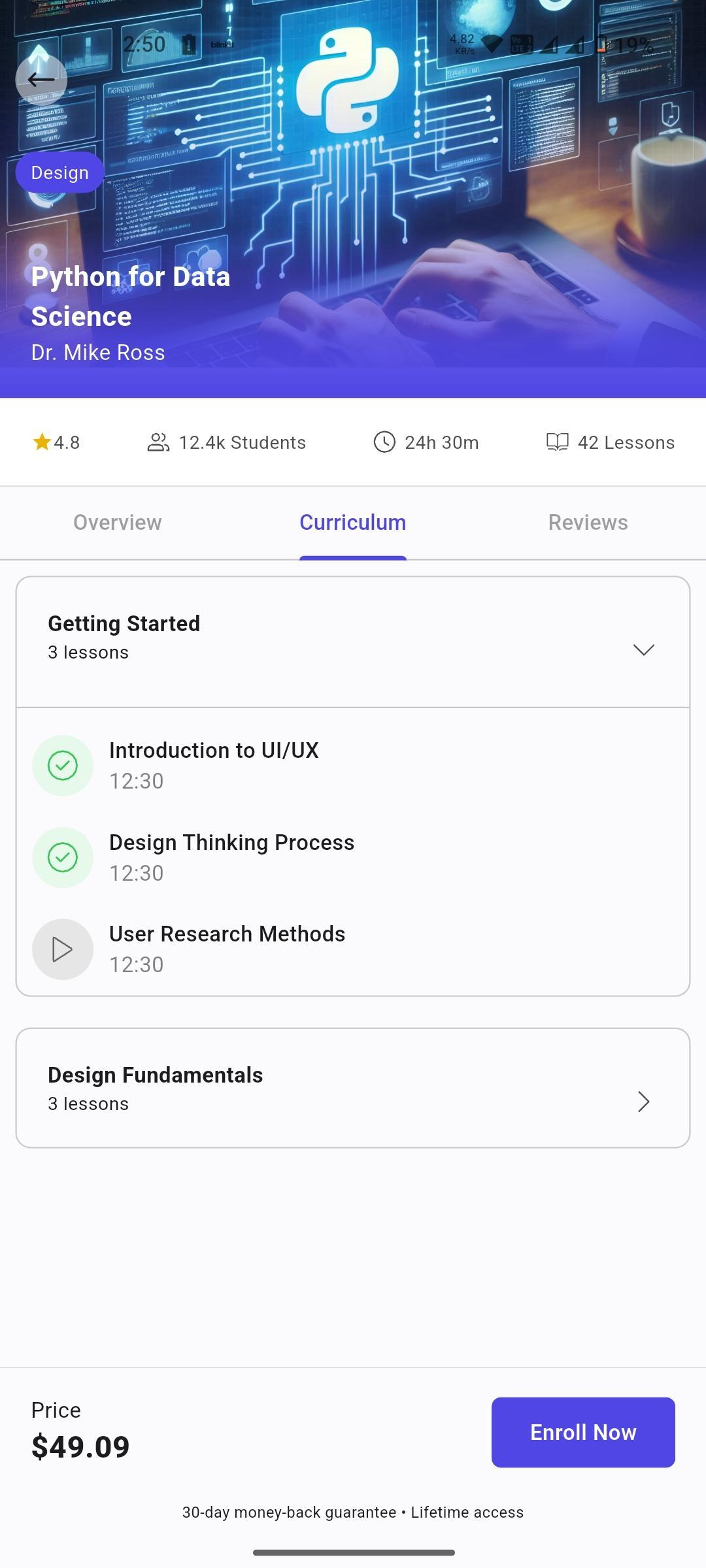
12 · Course Curriculum
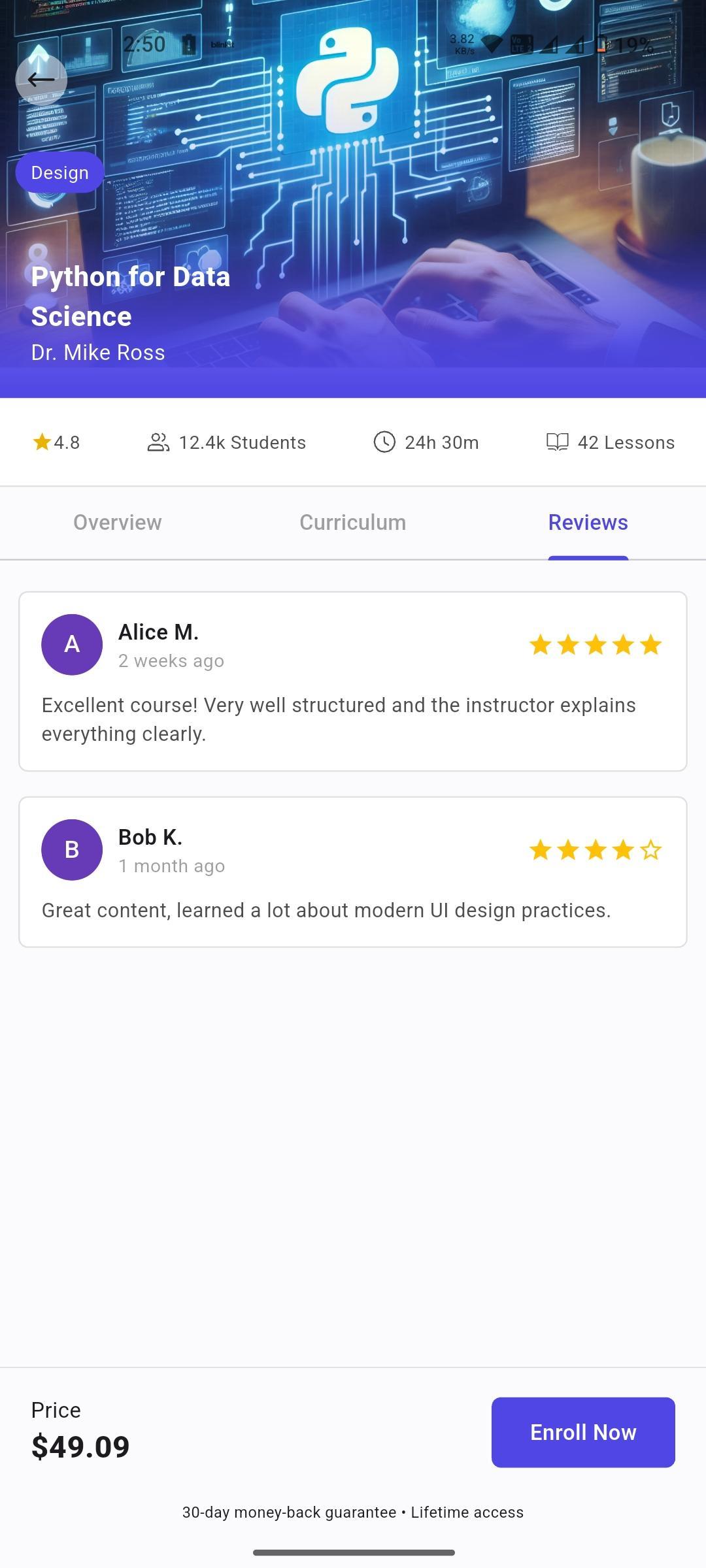
13 · Course Reviews
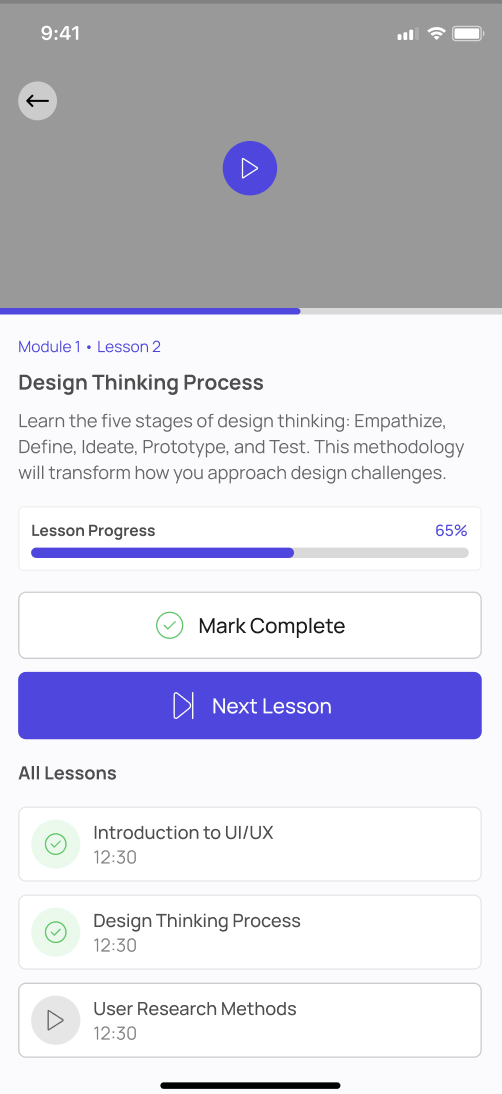
14 · Course Lessons
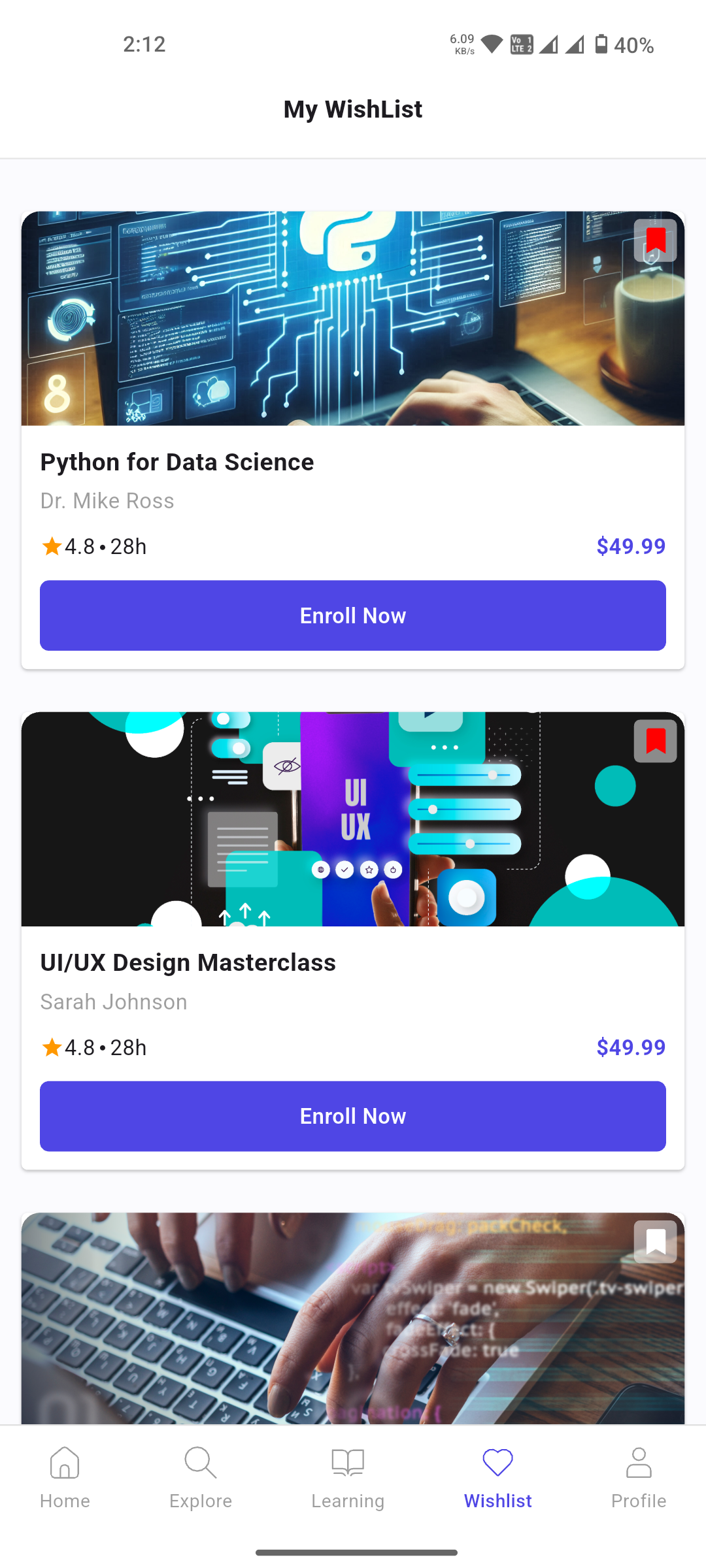
15 · My Wishlist
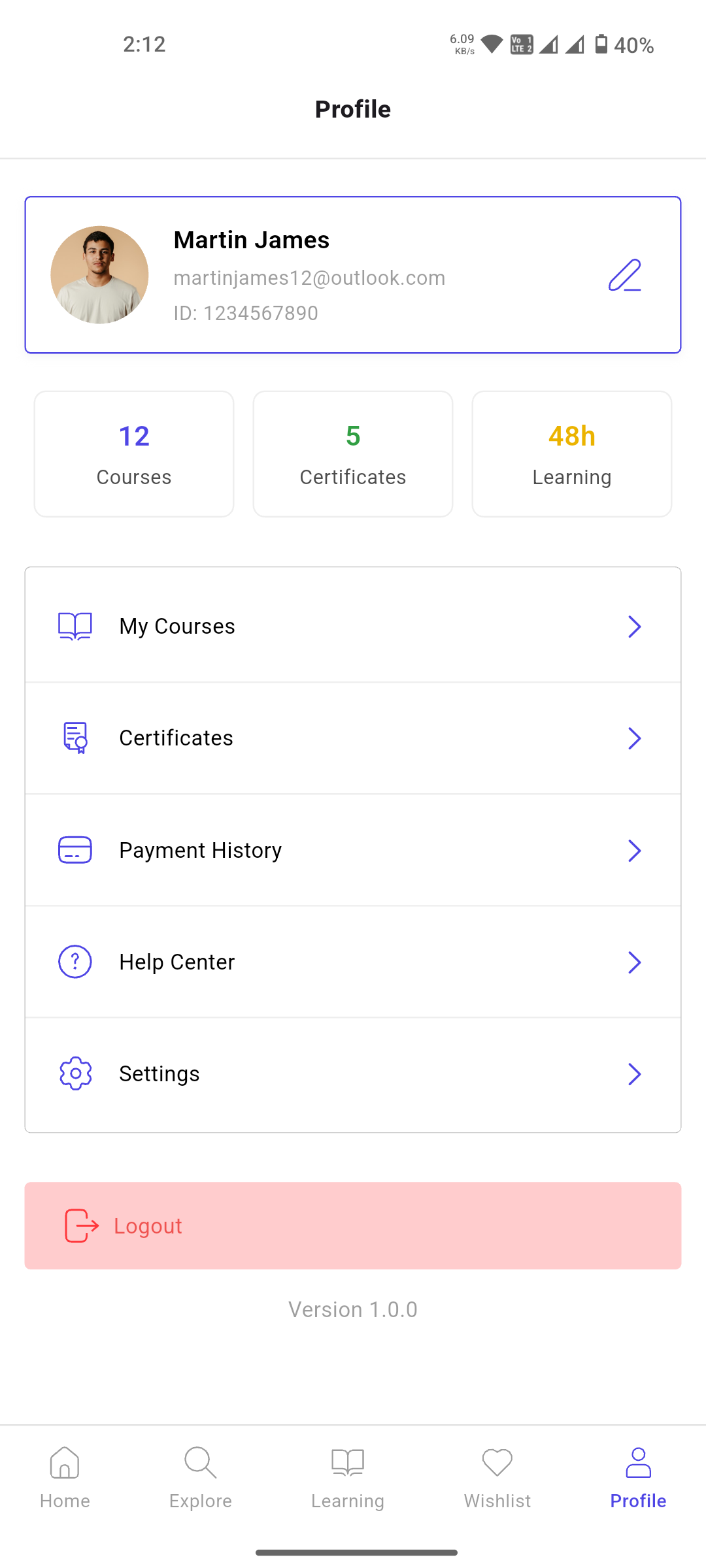
16 · My Profile
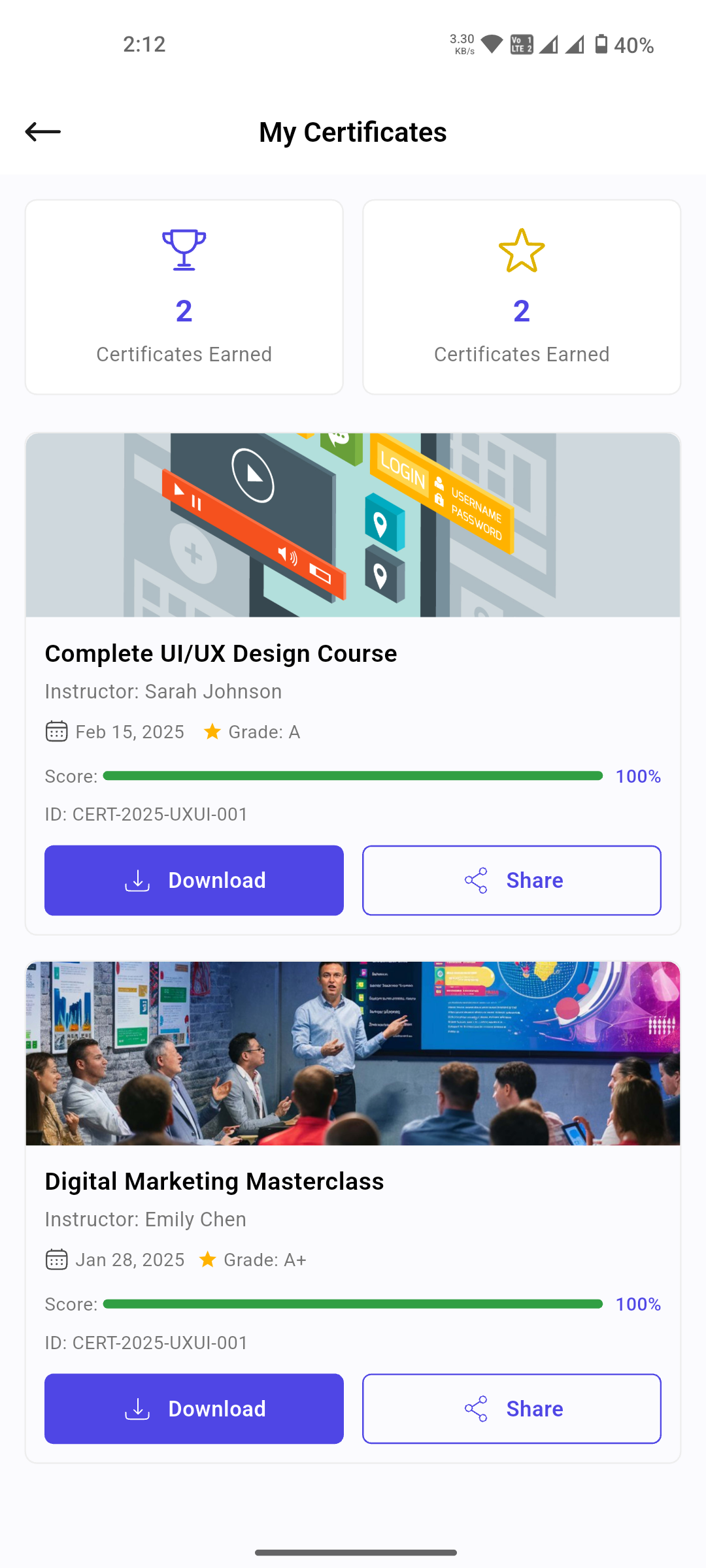
17 · My Certificates
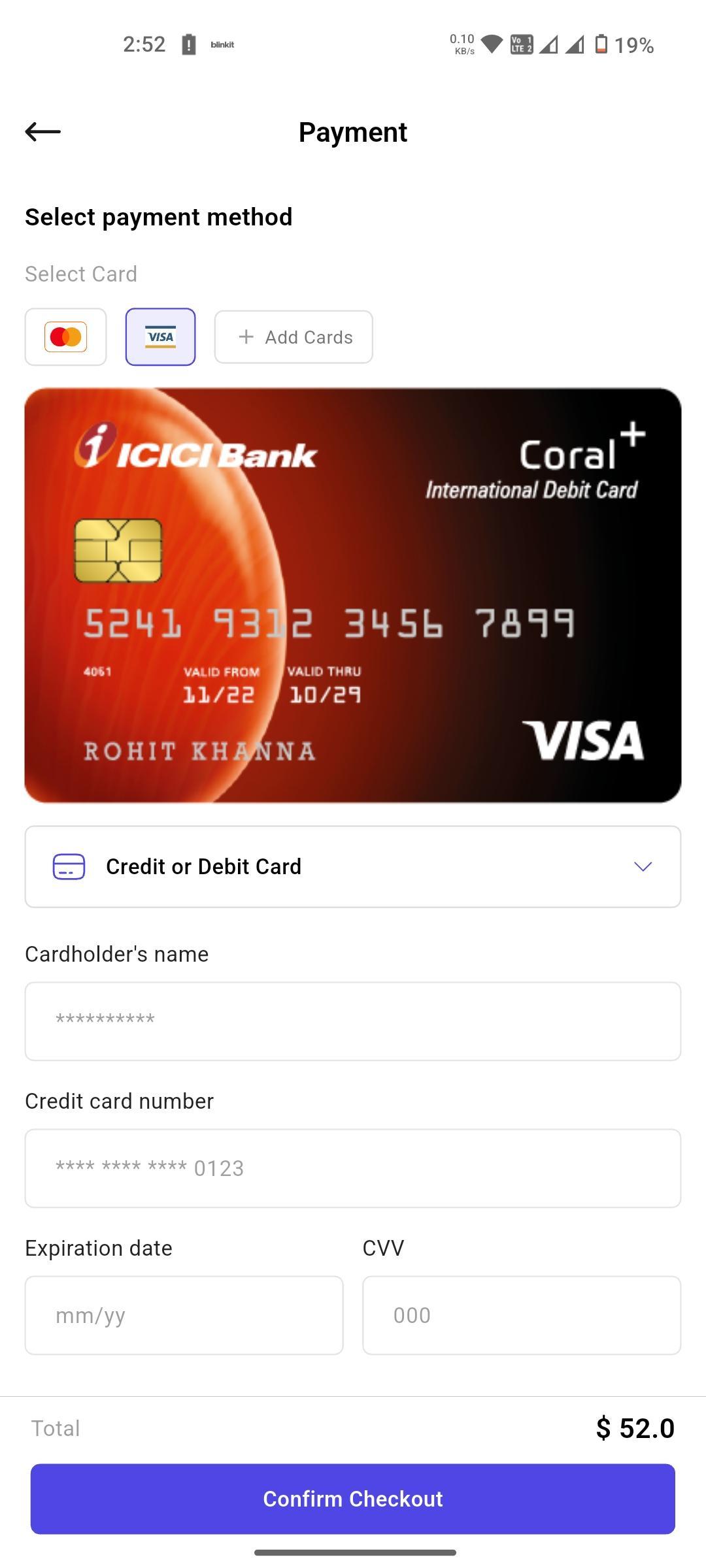
18 · Payment
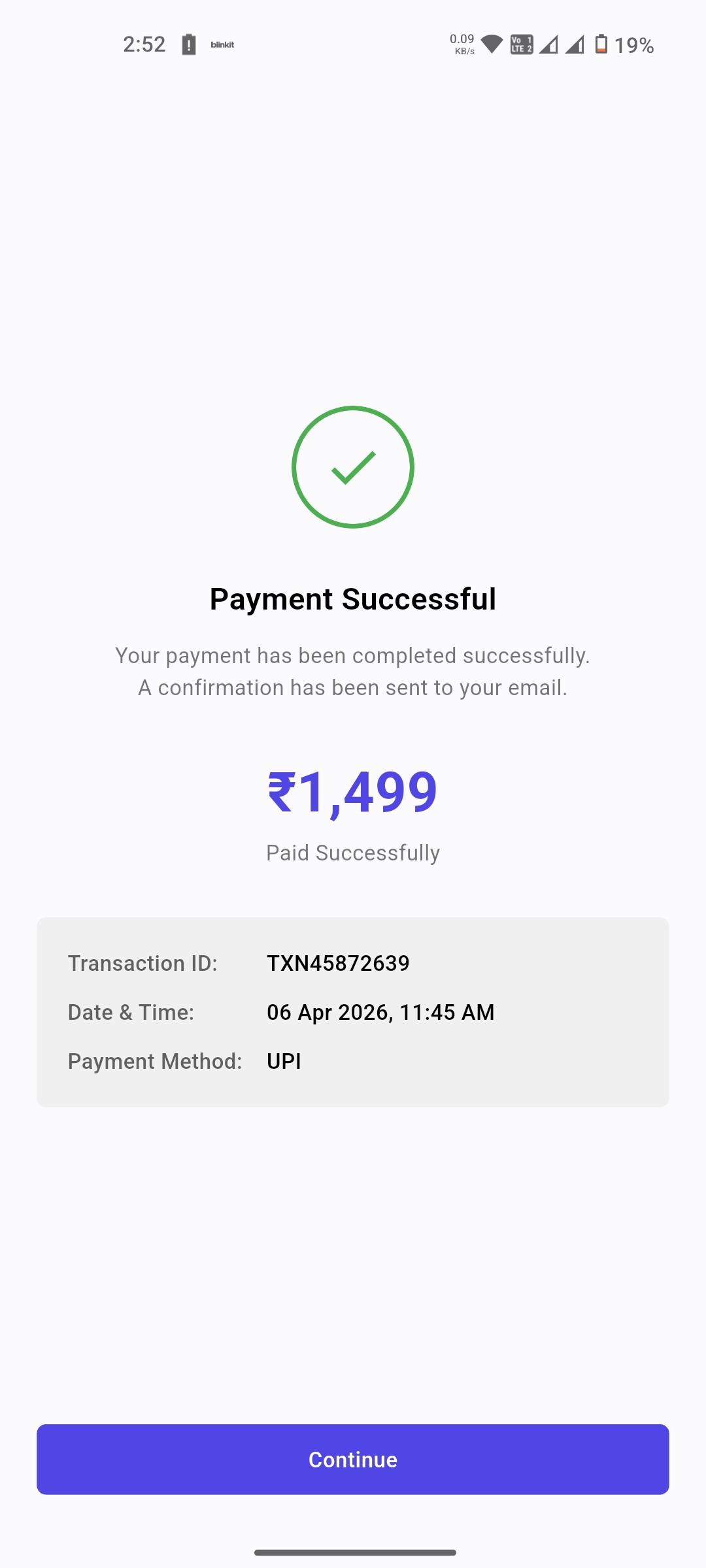
19 · Payment Success
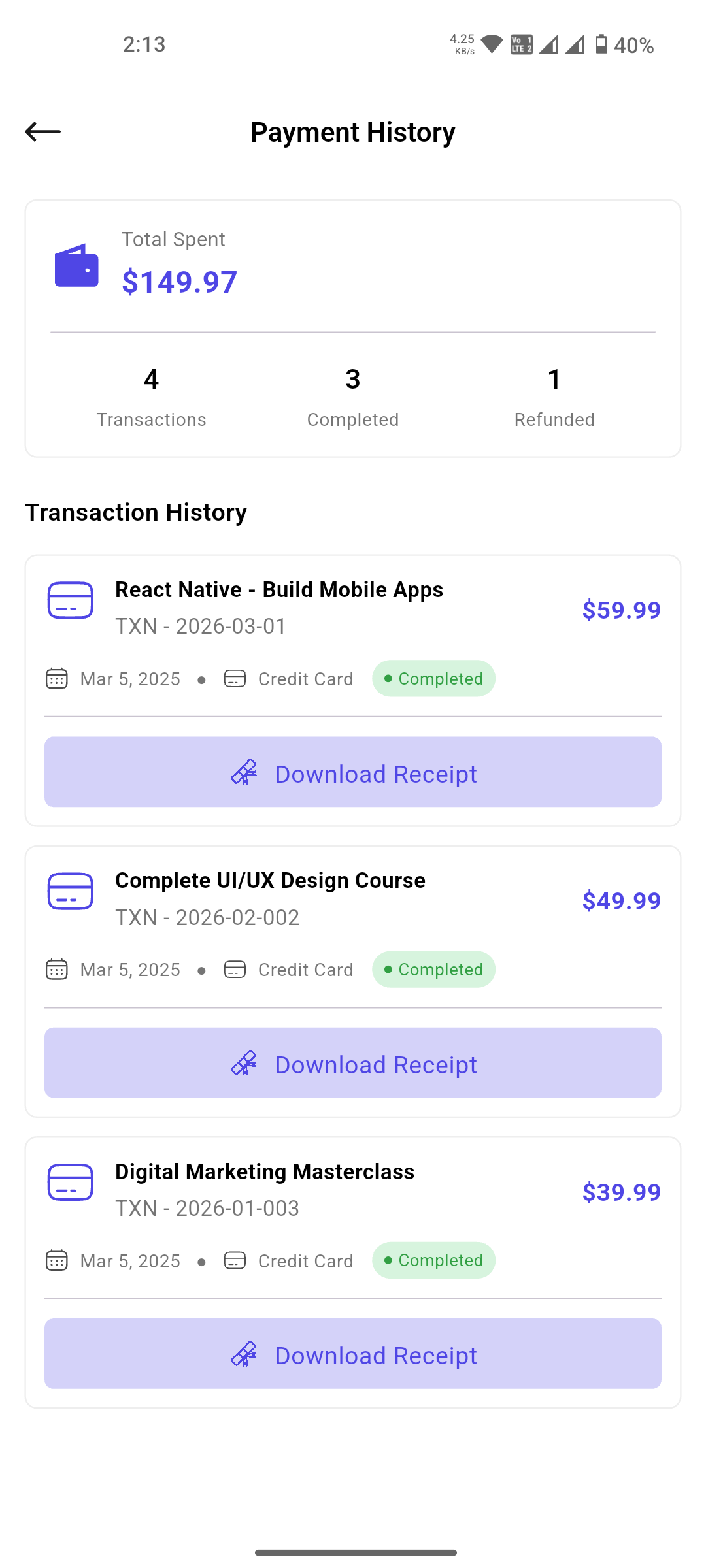
20 · Payment History
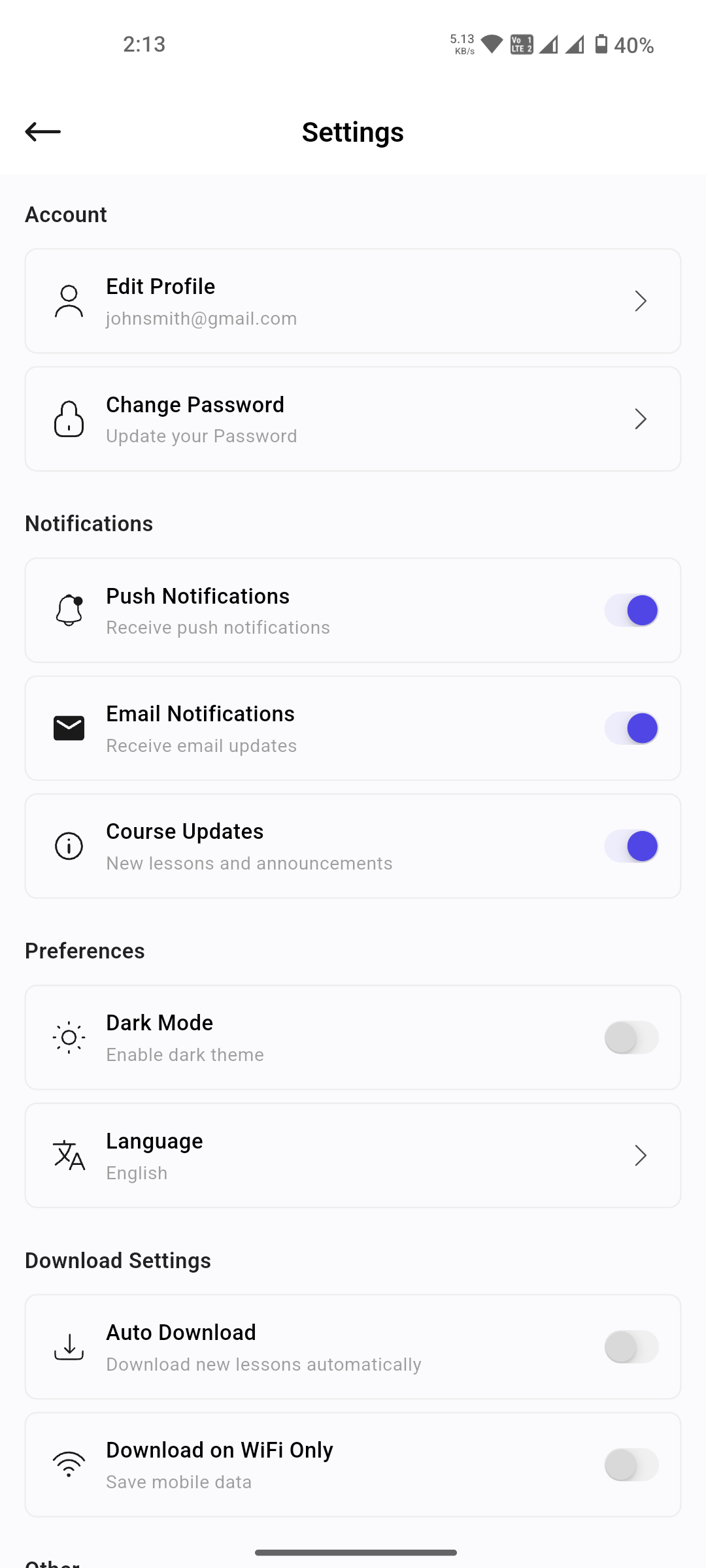
21 · Settings
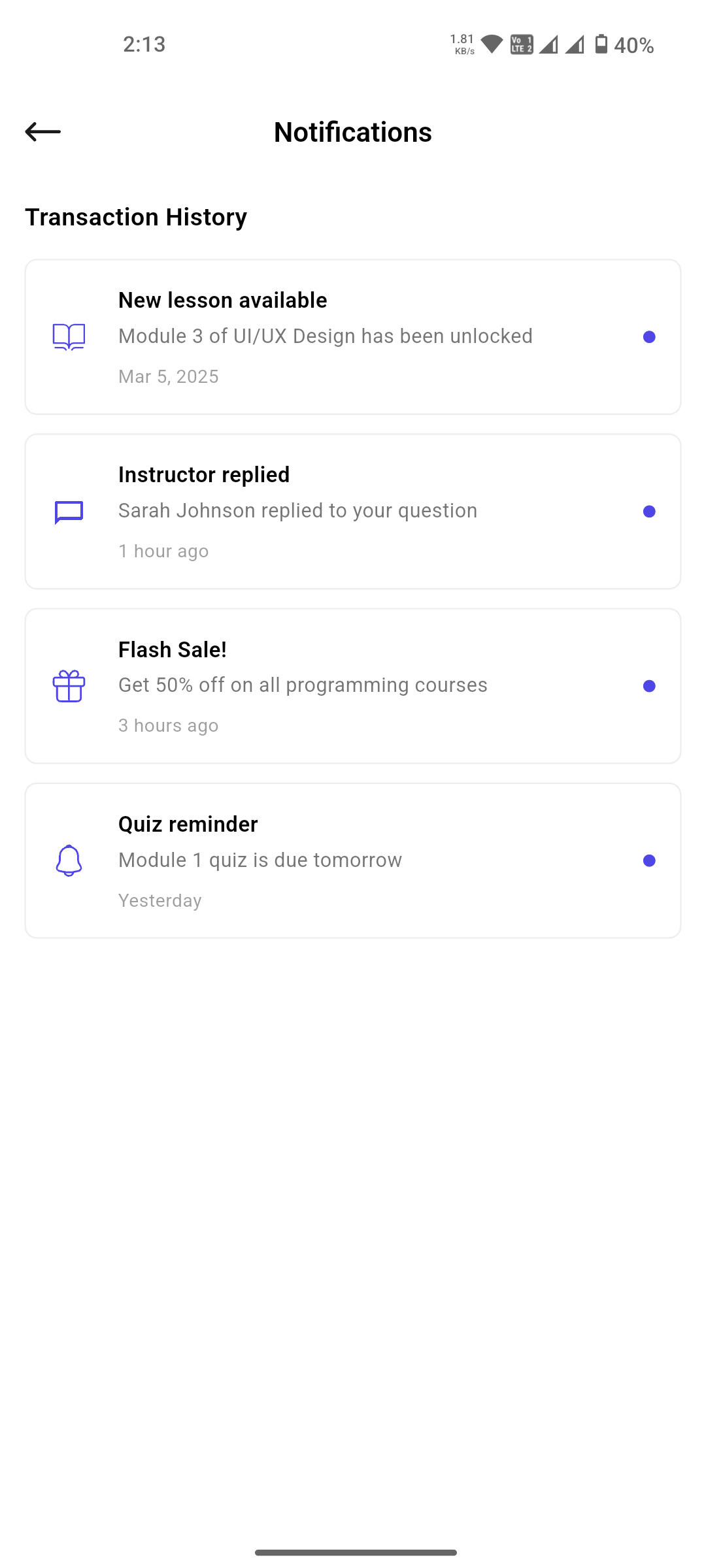
22 · Notifications
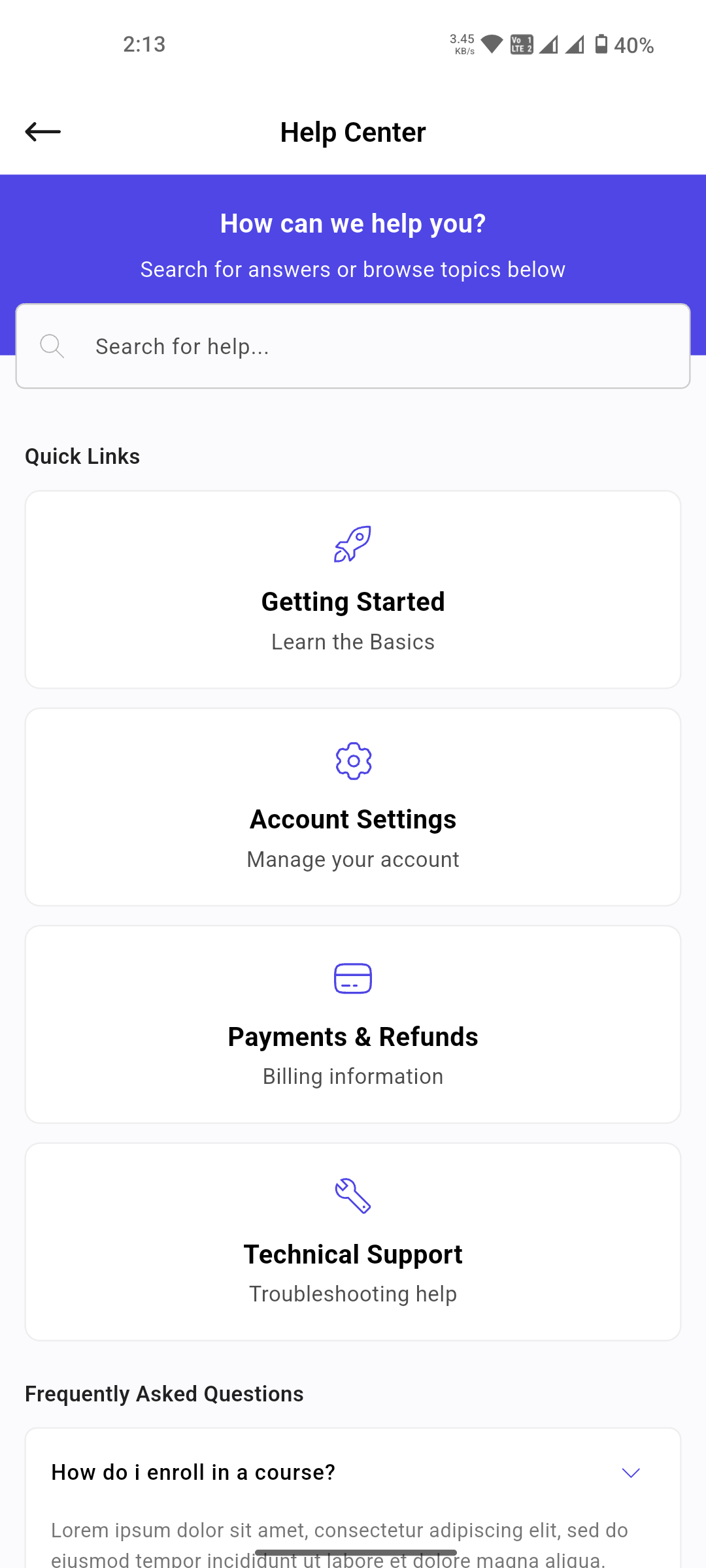
23 · Help Center
Customization Guide
Everything you need to rebrand and re-theme Learner — plus an optional guide for connecting your own backend if you need real, dynamic data.
Changing the Logo
Learner uses two separate logo assets:
-
In-app logo (shown on the Sign In, Sign
Up, Reset Password & Verify Account screens) is built
by
CommonWidgets.buildLogo()inlib/features/presentation/widgets/common_widgets.dart. It renders the icon atassets/icons/splash.svgnext to the "Learner" text label. Swap in your own icon (keep the same file name, or pointAppImages.splashinlib/core/constants/app_images.dartat a new file) and edit the label text directly insidebuildLogo(). -
App launcher icon (the icon shown on the
phone home screen) — replace
assets/images/logo.pngwith your own square PNG (1024×1024px recommended), then regenerate the Android/iOS icons:
flutter pub run flutter_launcher_icons
Configured under theflutter_launcher_icons:key inpubspec.yaml.
Changing Colors & Global Theme Settings
All brand colors are centralized in one file —
lib/core/constants/app_colors.dart. Update the
constants there and the change applies across every screen,
since widgets reference AppColors directly
instead of scattering hex codes:
class AppColors {
  static const Color primary = Color(0xFF4F46E5);     // buttons, links, active states
  static const Color primaryDark = Color(0xFF4F46E5);
  static const Color primaryLight = Color(0xFFA53A3C);
  static const Color borderColor = Color(0xFFE6E6E6); // input borders, dividers
  static const Color filledColor = Color(0xFFF0F0F0); // input & card fills
  static const Color bgColor = Color(0xFFFBFBFE);     // page background
}
Note: Learner does not include a dark mode
/ theme-switching feature. Screens read colors straight from
AppColors rather than a Flutter
ThemeData/ThemeMode object —
primaryDark and primaryLight above
are just accent shades of the one brand color (for
pressed/hover states), not a second full theme. If you want
a light/dark switch, wrap GetMaterialApp in
lib/main.dart
with a GetX theme controller and define a second color set
to swap in at runtime.
Connecting Real API Endpoints (Optional)
Learner is a UI template only. It runs completely out of the box with static/mock data and does not require an API, backend, or database of any kind — you can build and ship the UI as-is. This section is only for buyers who want to plug in their own real data.
Every screen's data currently comes from static mock values
inside its GetX controller under
lib/features/presentation/controllers/
(e.g. home_controller.dart,
explore_controller.dart,
my_courses_controller.dart). If you choose to
connect your own backend, the general approach is:
-
Add Flutter's
httpordiopackage topubspec.yaml— either works fine for calling a REST API. - Create a repository/service class that calls your API and returns the same model shape the controller already expects.
-
In each controller's
onInit(), replace the hardcoded list/mock assignment with a call to your new repository method, wrapped in the controller's existing observable loading state so the UI's loading/empty/error states keep working unchanged. - Repeat per feature you want to make dynamic — Explore, Course Detail & Curriculum, My Courses, Wishlist, Payment, Certificates, and Notifications each have their own controller.
This is entirely up to you and your project's needs — no screen requires structural or UI changes to support it, only the data source inside the controller you choose to update.
Architecture
Clean and scalable architecture designed for maintainability and performance.
Clean Architecture
Clean architecture for separation of concerns and testability.
Modular Design
Feature-based module structure for easy scaling and maintenance.
State Management
GetX for efficient state management across the app.
Repository Pattern
Abstracted data layer supporting local and remote data sources.
Tech Stack
Modern technologies powering Learner.
Flutter
Cross-platform UI toolkit for building natively compiled applications.
Dart
Optimized client-side programming language for fast apps.
Custom UI
Tailored UI components with Material Design and Cupertino widgets.
Highlights
What makes Learner special.
- 20+ Pre-designed Screens - Ready-to-use UI screens for rapid development
- Centralized Color Constants - Rebrand the entire app from one file, no theme engine needed
- Responsive Design - Looks great on all screen sizes
- Smooth Animations - Engaging micro-interactions and transitions
- Well Documented - Clear code structure and comprehensive documentation
- Easy Customization - Simple to modify colors, fonts, and layouts
Future Improvements
Exciting features planned for upcoming releases.
Important — External Services Not Included
The roadmap items below (AI Tutor, Live Classes, Voice Search, etc.) describe planned UI/UX directions only. Any AI or video-streaming functionality will require you to sign up for and pay for a third-party service on your own — for example an AI provider such as OpenAI for AI features, or a video hosting/streaming API (e.g. Mux, Vimeo, Agora) for live classes. These external services are not included in the price of this template and are not bundled with the purchase.
- AI Tutor - Personalized course recommendations based on learning preferences
- Live Classes - Interactive live sessions with real-time Q&A
- Gamification - Achievements, badges, and learning streaks
- Community Features - Discussion forums and study groups
- Voice Search - Find courses using voice commands
- Skill Assessment - Personalized learning paths based on skill evaluation
FAQ & Troubleshooting
Common questions and solutions for getting Learner running smoothly.
Is a backend, database, or API key required?
No. Learner is a Flutter UI template. All data shown in the
app is static/mock data for demonstration purposes. There is
no live API, no Firebase setup, no database, and no
.env file needed. You can plug in your own
backend at any time.
flutter pub get fails — what should I do?
Make sure you have a stable internet connection and that
your Flutter SDK is up to date. Run
flutter doctor to confirm your environment is
healthy, then retry flutter pub get. If issues
persist, delete the .dart_tool folder and
pubspec.lock file, then run
flutter pub get again.
I'm
getting dependency version conflicts during
flutter pub get — how do I resolve them?
This usually means a package version in
pubspec.yaml clashes with your installed
Flutter/Dart SDK or with another plugin's constraints.
Run flutter pub deps to see the dependency
tree and identify which package is conflicting. Try
flutter pub upgrade --major-versions to let
pub resolve compatible versions automatically, or manually
loosen a version constraint in pubspec.yaml
(e.g. change ^1.2.0 to
>=1.0.0 <2.0.0) and re-run
flutter pub get. If a plugin requires a newer
Dart SDK than your machine has, update Flutter with
flutter upgrade first.
The app does not launch on my device — how do I fix it?
Ensure your device or emulator is connected and recognised
by running flutter devices. For Android, enable
USB Debugging in Developer Options. For iOS, trust the
developer certificate on your device under Settings →
General → VPN & Device Management.
How do I connect Learner to my own backend?
All screens use static mock data defined in the controller
files. Replace the mock data with your own API calls using
Flutter's http or dio package. The
template's clean architecture and GetX state management make
backend integration straightforward — no structural changes
are required. See the
Customization Guide section
above for the full step-by-step.
How do I change the app colors and theme?
Open lib/core/constants/app_colors.dart and
update the primary, border, fill, and background color
constants — every screen reads from this file, so the change
applies app-wide. See the
Customization Guide section
above for full details.
I still have an issue — where do I get help?
Contact us at radolabs2@gmail.com. We provide 24×7 real-time support for our customers.
Contact and Support
For any support please don't hesitate to contact us at Support Center. We provide 24x7 hours real-time support for our customers.
Release History
- Created : 09 July 2026
- Item Version : v1.0
We would like to thank you once again for choosing Learner | Flutter Learning App UI Kit